Latest micro-posts
You can also also view the full archives of micro-posts. Longer blog posts are available in the Articles section.
Yet another TUI app that I recently added to my toolbet, with the hope that it will improve over time: tdf. I heavily rely on Zathura for things related to PDF (espacially for bidirectional sync when using Texlab), altough I came to appreciate Evince with time (it can open DVI and PS file, by the way). With async rendering and hot reloading, I can imagine that tdf could be a great add-on for previewing $\TeX$ compilation results.
TIL about theme.sh which is amazing: no dependency, self-contained, and it can be used online without setting up anything in your bashrc or zshrc config. You can not only preview colorscheme using Fzf, but you can also import your own colorscheme (it will be added in theme.sh itself. See also Foot FAQ to implement dynamic color changes. #unix
Some really nice Gnome extensions are landing on GitHub, see openbar and forge. See also Exploring the Default Tiling Windows Feature in Ubuntu 24.04 (and Enhancing it). I still have Tactile around, but I rarely used it these days, unless I’m mirroring my desktop on a larger screen. #unix
♪ Wire · The Boiling Boy
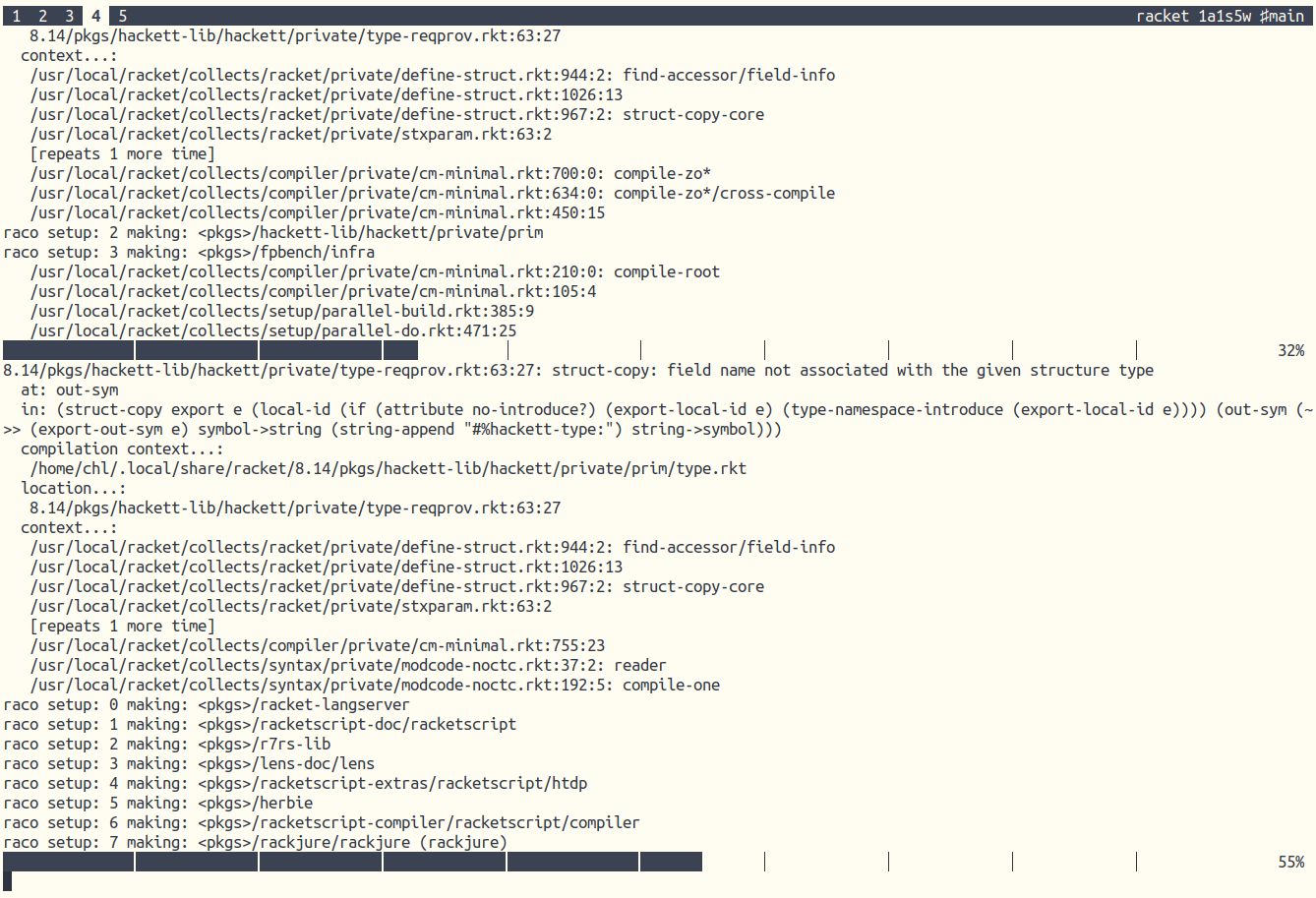
Racket parallel build in action.
Churn and Weight: Or how to get interesting statistics for your Git projects.
kitty has to run on what I’m remoting from. tmux can work on what I’m remoting into. And that makes all the difference. — tmux is worse is better
♪ Timber Timbre · Moment
Efficient rolling statistics. #haskell