GPG on macOS
I’ve been a happy user of GPG on macOS and Linux for a while. On macOS, I used
to use almost the same setup than on Ubuntu, except that I use pinentry for Mac
(pinentry-mac installed with Homebrew).1 I got the same GPG key for a
while, which was generated using GPGTools back when I was working on OS X. When
I was back on macOS, I use my Linux setup and it worked smoothly. Now that I use
Apple Mail exclusively, I want to be able to send signed (more rarely encrypted)
emails in some cases. It was pretty easy to do under Neomutt:
set crypt_autoencrypt = no
set crypt_autopgp = yes
set crypt_autosign = no
set crypt_replysign = yes
set crypt_replysignencrypted = yes
set crypt_use_gpgme = yes
set crypt_verify_sig = yes
set pgp_self_encrypt = yes
set pgp_sign_as = 152E3E3F7C4CCE44
set pgp_use_gpg_agent = yes
I know the recommended and preferred way to sign your outgoing email is to rely on S/MIME, see here or there. The benefit of this approach is that you can sign your email from your iPhone too. However, I find much simpler to reuse my current setup, and for that I had to install GPG Suite with Mail plugin. I used to use it in the past, so it’s not really a problem to buy the upgraded version. After all, external certificates must also be bought from certified authorities.
Homebrew comes first in my $PATH so GnuPG is masking the gpg exec installed
by the GPG Suite (in fact it is a symlink in /usr/local/bin to the gpg2 exec
from MacGPG2). This is pretty easy to fix. However, the main issue seems to be
that the GPG agent isn’t finding my private key, and I cannot sign my Git commit
anymore. It took me some time to figure out that the GPG Suite relies on the
standard location for the gnupg directory ($HOME/.gnupg), even if I have set
an environment variable in shell profile for GNUPGHOME. Problem is that the
GPG Suite is a macOS application and it is not aware of environment variables
defined for the shell.
The solution was to kill the GPG agent, set a global environment variable using
launchctl and move the $HOME/.gnupg directory back to its old place.
$ gpgconf --kill gpg-agent
$ launchctl setenv GNUPGHOME ~/.config/gnupg
$ mv ~/.gnupg ~/.config/gnupg
Upon launching GPG Keychain, it now uses the correct configuration and it finds
the list of keys I have in my database. This is fine when using the GUI app, and
a Launch Agent will ensure that it is set correctly on login. Here is
~/Library/LaunchAgents/setenv.GNUPGHOME.plist:
<?xml version="1.0" encoding="UTF-8"?>
<!DOCTYPE plist PUBLIC "-//Apple//DTD PLIST 1.0//EN" "http://www.apple.com/DTDs/PropertyList-1.0.dtd">
  <plist version="1.0">
  <dict>
  <key>Label</key>
  <string>setenv.GNUPGHOME</string>
  <key>ProgramArguments</key>
  <array>
    <string>/bin/launchctl</string>
    <string>setenv</string>
    <string>GNUPGHOME</string>
    <string>/Users/chl/.config/gnupg</string>
  </array>
  <key>RunAtLoad</key>
  <true/>
</dict>
</plist>
I don’t want to bypass the pinentry step.2 Now when it comes to signing Git
commit from the command-line, the GPG agent complains that there’s no valid
pinentry program since I originally set it to
/usr/local/MacGPG2/libexec/pinentry-mac.app. It should have read:
pinentry-program /usr/local/MacGPG2/libexec/pinentry-mac.app/Contents/MacOS/pinentry-mac
Note that set-gpg-pinentry-program seems to do the same job as well.
[2026-03-20]
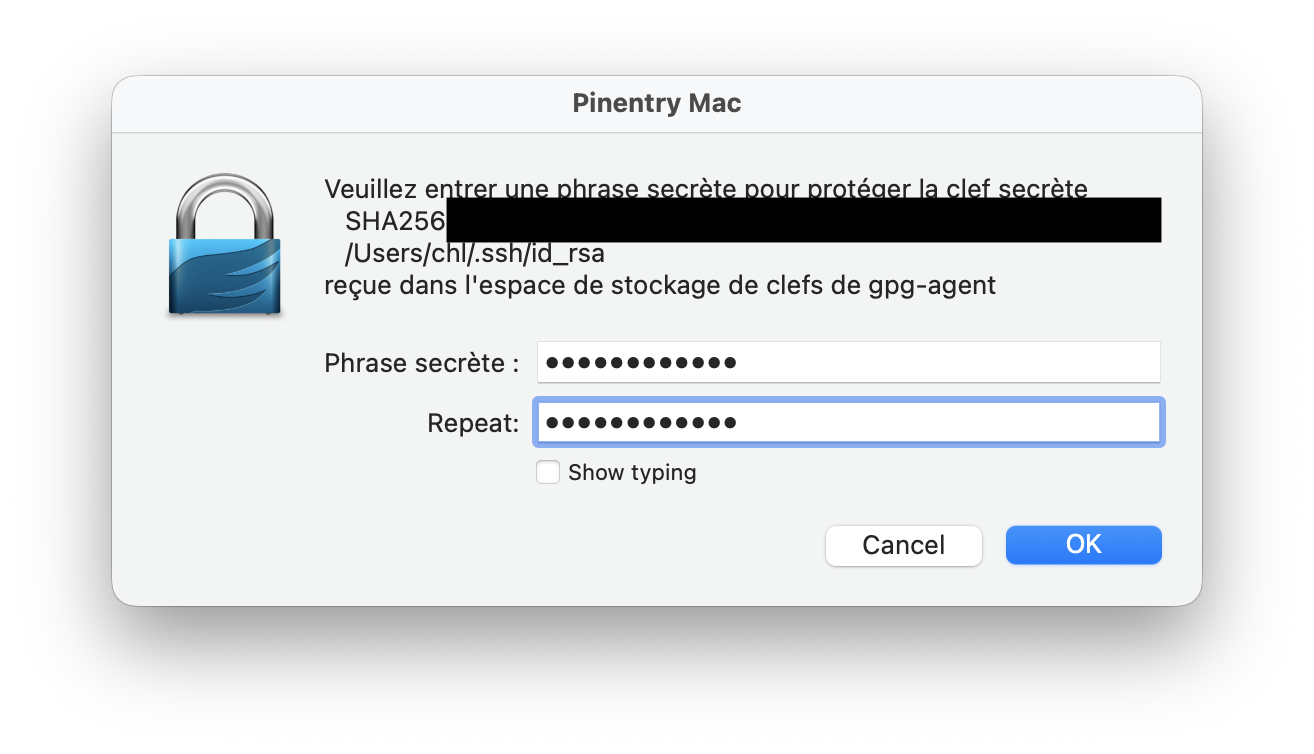
The pinentry seems to work smoothly outside the Terminal too.
♪ Amy Macdonald • Crazy Shade of Blue
It is also possible to use touchid directly. ↩︎
Something like
gpg --full-gen-key --pinentry-mode loopbackwould alleviate the need for pinentry. ↩︎