Macvim: Final touch
I archived my Neovim config and switched to Vim for good. No more fuzzing with a mix of Lua and VimL, no more breaking changes or deprecated Lua functions, no more fighting with the builtin LSP.
I learned a few more tricks about Vim in passing. For instance, I already knew that we can use an external program for grep. I have this in my config:
set grepformat="%f:%l:%c:%m,%f:%l:%m"
if executable("rg")
  set grepprg=rg\ --vimgrep\ --smart-case\ --no-heading\ --hidden
else
  set grepprg=LC_ALL=C\ grep\ -nrsH
endif
Today I learned that we can also define a custom findfunc for find. Here’s
how to use fd as a replacement for the default find search engine inside
Vim:
if executable('fd')
  function! FdFind(cmdarg, cmdcomplete)
    let l:cmd = 'fd --type f --color never'
    if !empty(a:cmdarg)
      let l:cmd .= ' ' . shellescape(a:cmdarg)
    endif
    return systemlist(l:cmd)
  endfunction
  set findfunc=FdFind
endif
I will probably stick to the native and elegant solution provided by Romain
Lafourcade in his mini config, in which the basic idea is to extend the
path variable so that it includes subdirectories for recursive search:
set path+=**
set wildmenu
set wildignore+=*/node_modules/*,*/.git/*
Of note, it should be possible to replicate part of Fzf (vim or lua)
functionalities with set wildoptions=pum,fuzzy, but I haven’t tried this yet.
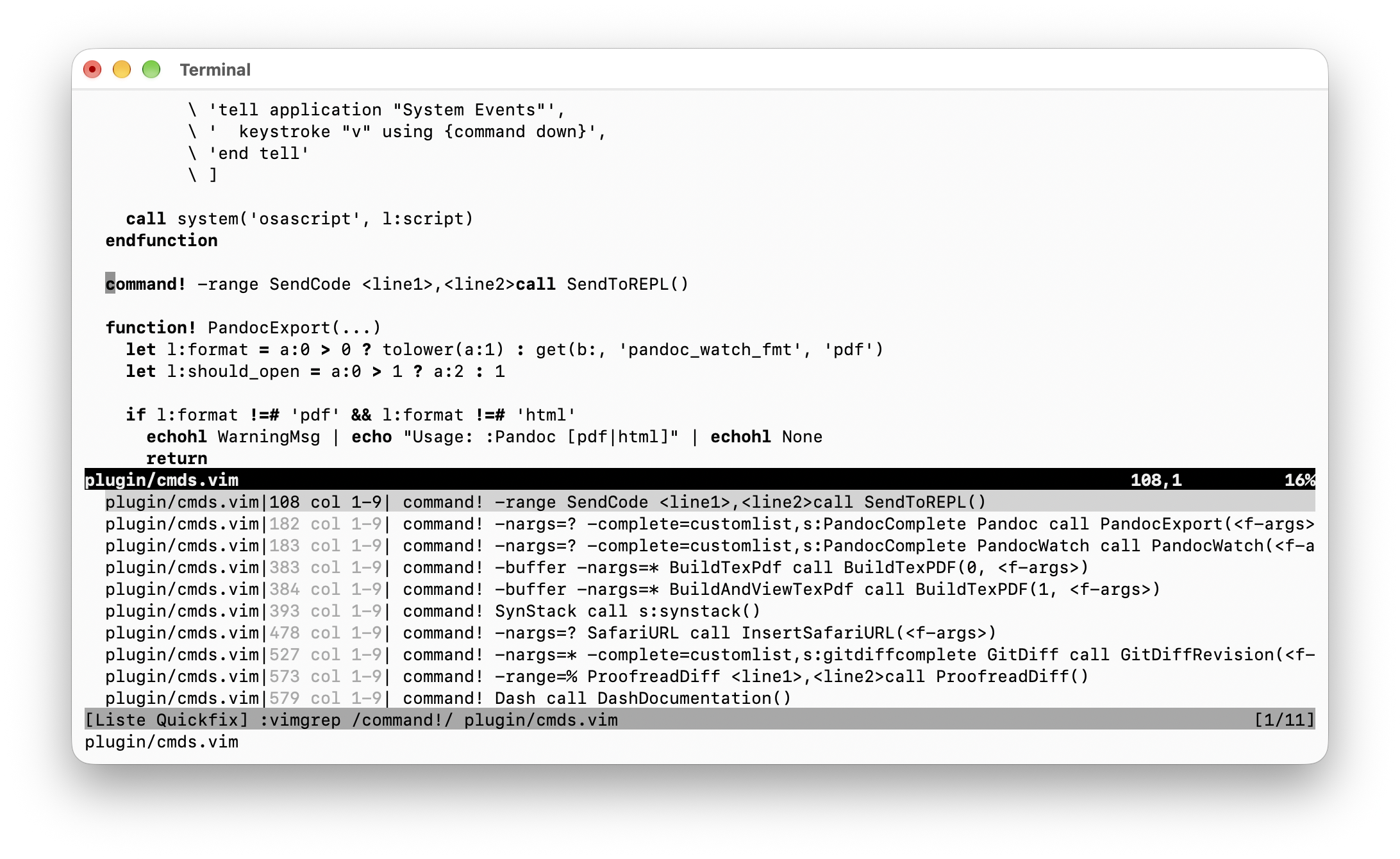
Finally, I migrated all my custom commands into a dedicated file under the
plugin directory so that commands are available both in the terminal and in
MacVim. There are some handy commands around there.1
That’s it!
♪ LCD Soundsystem • You Wanted A Hit
By the way, you can search in the current buffer and put results in the Quickfix easily with
:vimgrep /pattern/ %. ↩︎