Neomutt and iCloud IMAP
I was trying to read my local mailboxes which Apple Mail uses to store its
messages. Apple use a proprietary variant of the EML format, and you will
find plenty of mbox extension in $HOME/Library/Mail/V*/, but you won’t be able
to open it directly using neomutt -f <name.mbox>. Instead, you need to export
them first from Apple Mail (this is done by right clicking on a mailbox), which
means you cannot use Neomutt to read your local mailboxes alongside Apple Mail.
We would also need to convert *.emlx files to proper mbox to read them with
Neomutt.
The formail utility that comes with procmail can convert from one format
to the other:
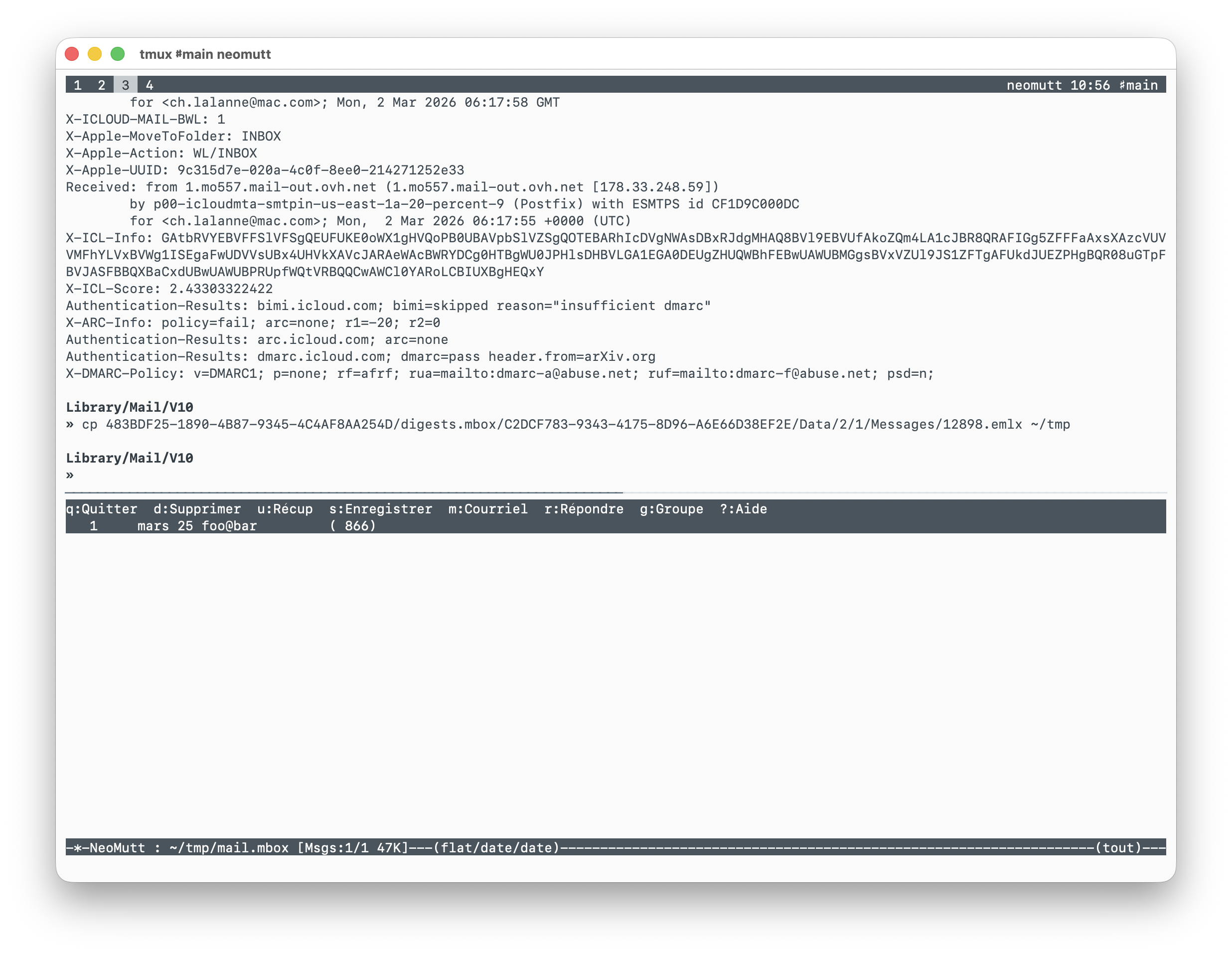
$ cp 483BDF25-1890-4B87-9345-4C4AF8AA254D/digests.mbox/C2DCF783-9343-4175-8D96-A6E66D38EF2E/Data/2/1/Messages/12898.emlx ~/tmp
$ formail -b < 12898.emlx > mail.mbox
$ neomutt -f mail.mbox
This looks okay with no config at all on the Neomutt side, except for the sender info:
In sum, I can’t read the emails that are stored on my computer by Apple Mail without exporting my mailboxes from Apple Mail. This is a minor annoyance. I was more concerned, when I backed up all my emails to iCloud, that Apple Mail is able to parse the date of each email correctly while iCloud Mail doesn’t (and in this case, it relies on the creation date), so that I got an archive full of emails tagged to the date of their importation on my MacBook in December 2024. But see Fix email date for Mail.app (and also this SO thread) for a possible fix.
All that to say that I would like to be able to process my emails in Neomutt whenever I need it to. As I said Apple Mail is mostly fine for my day to day needs, but Neomutt has incomparable performance for searching and moving things around, and we can still read email like it’s plain text. I’ve been a long time user of mu4e and Neomutt (see these previous posts) and I always kept an archive of all my emails since 2006 on my HD. I used to use a combination of isync, msmtp and mu to orchestrate two-way sync, sending email and efficiently searching my emails and managing my contacts. This has served me well for over 15 years now, and I wanted to try using Neomutt builtin IMAP facilities. So here it goes.
I already have an app password for the 2FA on iCloud. My isyncrc config file
reads (user and pass omitted for privacy):
IMAPAccount icloud
Host imap.mail.me.com
Port 993
TLSType IMAPS
AuthMechs PLAIN
My iCloud account was managed as follows in neomutt (again, set from removed):
set sendmail = "msmtp -a icloud"

set spoolfile = "+icloud/INBOX"
set postponed = "+icloud/Drafts"
set record = "+icloud/Sent Messages"
set trash = "+icloud/Deleted Messages"

set signature = ~/.config/neomutt/signatures/signature
Now, all I have to do is to replace the externally managed set folder = ~/.mail, for local mailboxes, with set imap_user and Co. Here is what it
looks now (again, no credentials shown). My config is split into different file,
a general muttrc and one file per account (actually I only use my iCloud
account):
# muttrc
-%<---
source ~/.config/neomutt/accounts/icloud

set attach_save_dir = ~/tmp
set header_cache = ~/.cache/neomutt/cache/
set header_cache_compress_method = "zlib"
set header_cache_compress_level = 3
set mailcap_path = ~/.config/neomutt/mailcap
set message_cachedir = ~/.cache/neomutt/cache/
set tmpdir = ~/.cache/neomutt/tmp

set beep_new = yes
set check_new
set confirmappend = no
set delete
set imap_idle = yes
set mail_check = 120
set mail_check_stats
set mail_check_stats_interval = 120
set mark_old
set mbox_type = Maildir
set move = no
set pipe_decode
set quit = ask-yes
set sleep_time = 0
set thorough_search
set timeout = 15
set wait_key = no

mailboxes $spoolfile $postponed $record $mbox $trash +Junk +digests +lists +store
--->%-

# icloud
set imap_user = '<..snip..>'
set imap_pass = <..snip..>
set folder = "imaps://$imap_user@imap.mail.me.com:993"

set smtp_authenticators = 'gssapi:login'
set smtp_url=smtp://$imap_user:$imap_pass@smtp.mail.me.com:587/
set smtp_pass=$imap_pass
set from = $imap_user

set ssl_force_tls = yes
set ssl_starttls = yes

set spoolfile = +INBOX
set postponed = +Drafts
set mbox = +Archive
set record = "+Sent Messages"
set trash = "+Deleted Messages"

set signature = ~/.config/neomutt/signatures/signature

account-hook $imap_user "set imap_user=$imap_user imap_pass=$imap_pass"

macro index,pager a \
  "<save-message>+Archive<enter>"  \
  "Archive message"
It works like a charm, except that switching to different mailboxes takes a little longer compared to when I was using local mailbox, which is not surprising. On the contrary, sending email using Neomutt builtin smtp program iq quicker than using msmtp, like polling for new mails. No need to manually call mbsync or to implement a CRON job to automate fetching new mails.
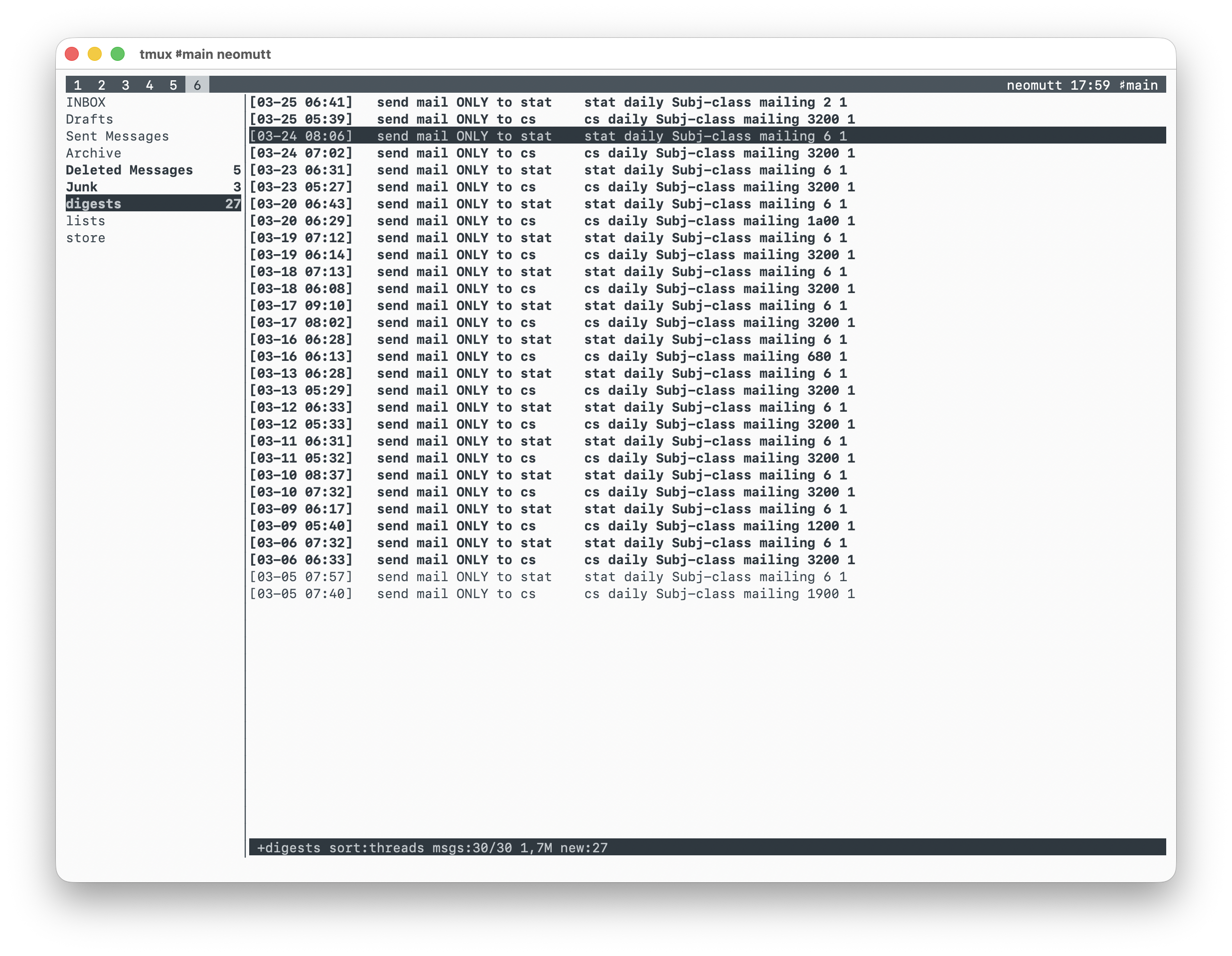
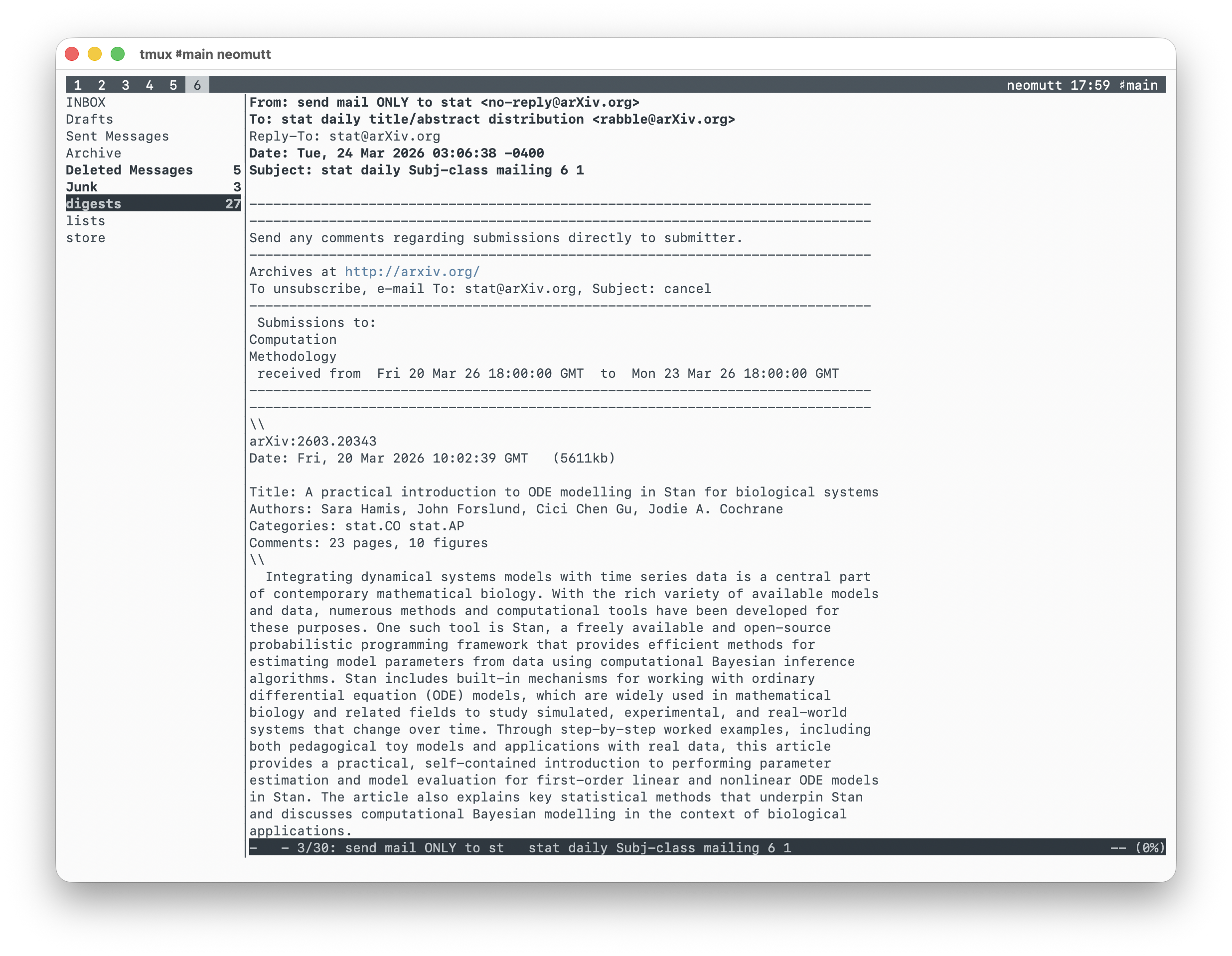
Finally, I’m back reading ArXiv in Neomutt:
Interesting links I found while thinking about reinstating my text-based email reader:
- Text based email workflow on macOS
- NeoMutt: using IMAP and SMTP
- Making Mutt Useful Offline
- Optional Features from the official Neomutt documentation
♪ The Adverts • No Time To Be 21 (live)