Setting up (Neo)vim for CONTEXT
Although there’s no LSP nor any advanced plugin for the CONTEXT typesetting system, it is quite easy to configure Vim or Neovim in a way that makes editing $\TeX$ more pleasant. Like I did for Scheme in the past, we need to set up several things first.
Autocompletion can be done using dictionary completion, which is the simplest
way I can think of. I already use this technique for Scheme. You just need a
list of language keywords in plain text. Fortunately, CONTEXT provides us with a
way to extract all commands easily, and for different text editors, but see
mtxrun --script interface --interfaces. You can filter the XML output that is
generated for BBEdit as it is quite easy to parse in Vim itself, or use the text
output itself as I discovered later. Either way, you’ll end up with more than 5k
commands that you can add to a custom dictionary. I will use
$HOME/.local/share/context/words
% mtxrun --script interface --text & mv context-commands-common.txt ~/.local/share/context/words.txt
Then, in Vim or Neovim (I use after/ftplugin/context.vim), put the following
line:
setl complete+=,k~/.local/share/context/words
And now you can use <C-n> and <C-p> as you type. You also likely want to get
some auto-formatting option. The following lines will allow to use gq and =
to hard wrap text at 80 chars and reformat table manually most of the times:
setlocal formatprg=fmt\ -w80
setlocal equalprg=column\ -t
You can also set textwidth and formatoptions and forget about external
tools, or you can rely on tex-fmt which handles indenting and table
formatting for plain $\TeX$ and CONTEXT (default hard wrapping at 80 chars is
also enabled by default).
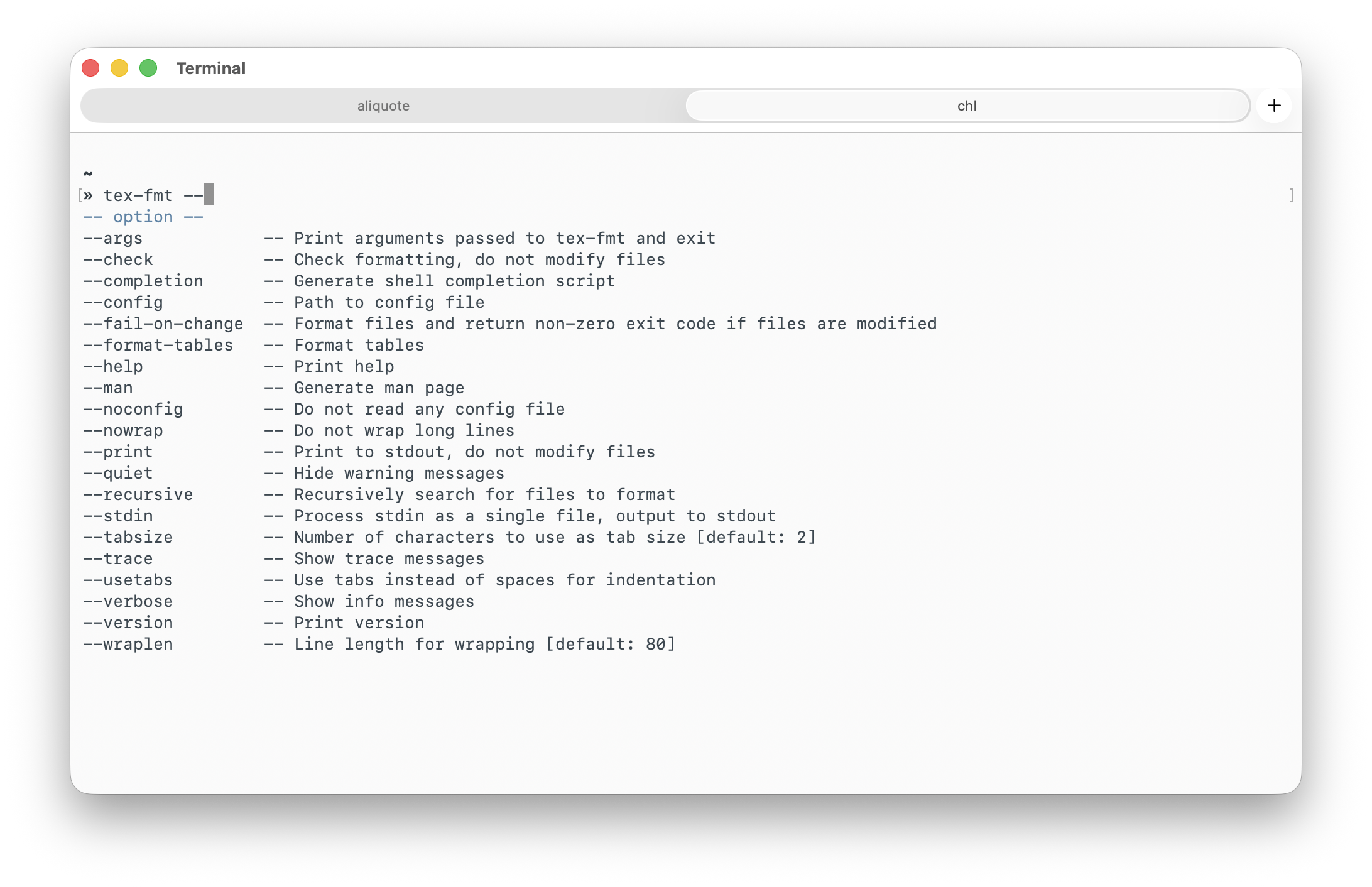
There’s not much we can do with tex-fmt as it primarily targets $\LaTeX$ format. I use the following settings:
setlocal formatprg=tex-fmt\ --nowrap\ --stdin. However, I often end
up using Vim builtin formatting facilities (think gwip , with appropriate
textwidth – I don’t mind about indenting and the like) As for syntax
checking, I rely on chktex with a global config
file. You’ll need to define a global
.checktexrc in your XDG config directory and
export CHKTEXRC=$XDG_CONFIG_HOME/chktex. This sort of works for many common
mistakes. Finally, the tabular plugin
proved to be handy to automagically reformat table environment.The ft plugin that ships with Vim and Neovim already includes everything you
need to compile a CONTEXT document. Use :ConTeXt or :make, and you’re done.
This matches the ConTeXt-TL engine you have in TeXShop on macOS. Also, CONTEXT
is not $\LaTeX$, and any error will appear nicely formatted in the QuickFix
list. Just ensure that you set up synctex properly if you want to use
forward/reverse search (on macOS, it should be possible to interact with TeXShop
previewer directly if TeXShop is configured to use an alternate editor – this
is what Vimtex does):
let b:context_synctex=1
If you want to use the older MkIV engine instead, pass the --luatex option as
follows:
let b:context_extra_options="--luatex"
The CG wiki provides extra advices for abbreviations, cleaning auxiliary
files (fewer than those returned by latexmk or pdflatex in any case). Note that
the ft plugin provides the handy shortcuts you are used to when navigating
between section and paragraphs (]], [], etc.), as well as a properly
configured % matchit operator.
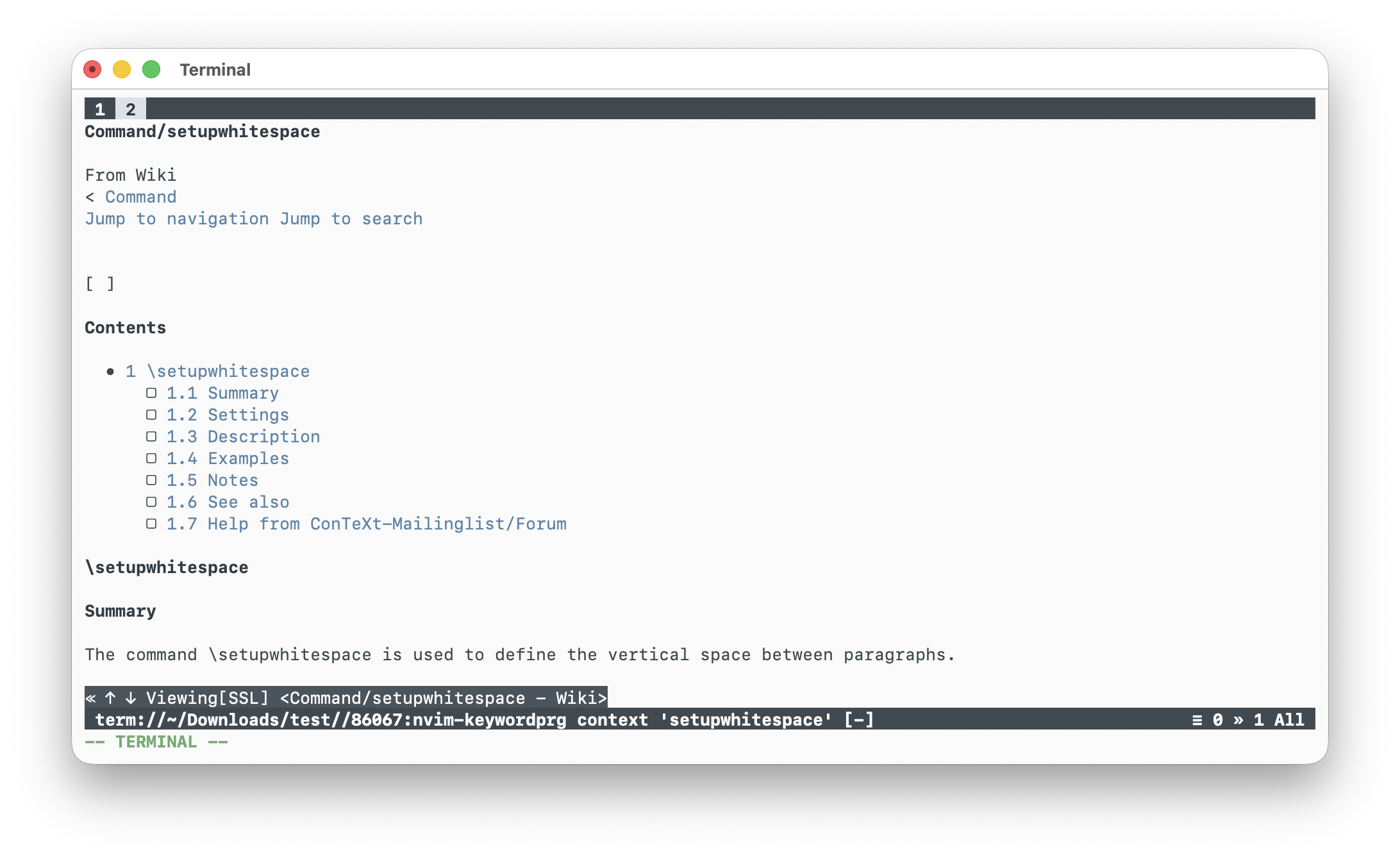
As for browsing the doc using keywordprg I currently use the CG wiki for the
CONTEXT command reference using the same helper shell script that I
described in a previous post. As seen in the screenshot below (right), it
launches w3m in a new window and displays the online doc with proper
highlighting and working links. It is not entirely satisfying since some
commands are not documented, and sometimes the site is not accessible or slow to
respond. Maybe a better solution would be to parse the entire ConTEXt
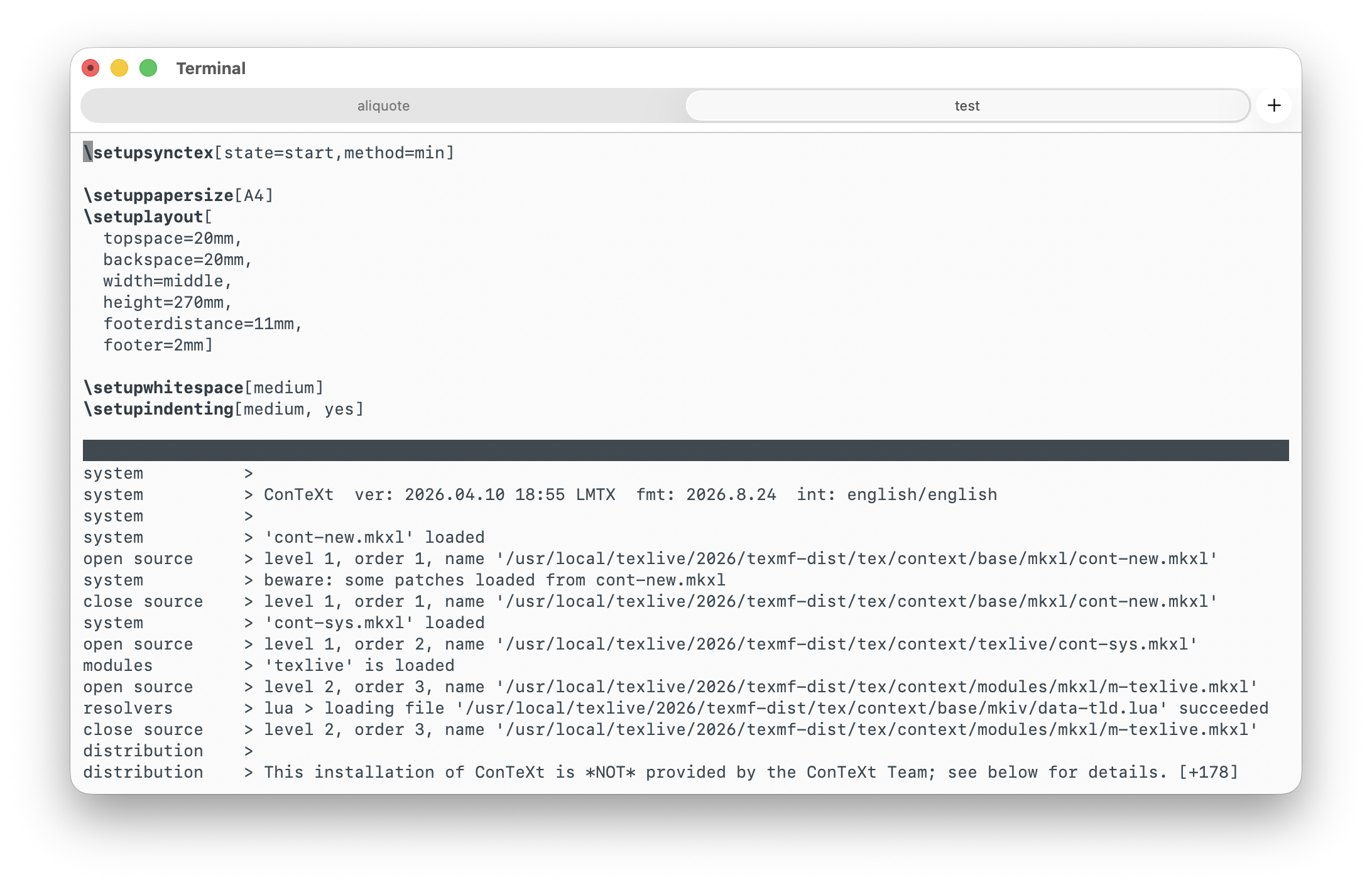
commands manual. On the left you can see the result of calling :make on a
document. Using :ConTeXt just adds some colored output. It’s up to you.
See, no LSP, no super-charged plugin. Actually this is how I write Lisp-related or Stata stuff and it’s perfectly fine to have a minimal toolbox at your fingertips. And things never break!
♪ Jeff Buckley • Everybody Here Wants You