Virtual machines and containers on macOS
On macOS you can now create and manage virtual machines and containers without VirtualBox or Docker/Podman. While UTM is a (nice) wrapper around QEMU (see this screenshot, for example), the newly released container facilities that I mentioned a while ago offer a more flexible way to run containers without the hassle of setting up and running in the background Docker.
To get started, jut run brew install container && container system start. Each
container runs in its own VM, unlike Docker, with a dedicated IP available from
your preferred web browser.1 On first launch, i.e. when starting the service,
you will be prompted to install a default kernel. Check that everything is
working:
» container system start
Launching container-apiserver...
Testing access to container-apiserver...
Verifying machine API server is running...
No default kernel configured.
Install the recommended default kernel from [https://github.com/kata-containers/kata-containers/releases/download/3.28.0/kata-static-3.28.0-arm64.tar.zst]? [Y/n]: Y
Installing kernel...
container system start  14,13s user 7,07s system 10% cpu 3:28,54 total

» container system status
FIELD              VALUE
status             running
appRoot            /Users/chl/Library/Application Support/com.apple.container/
installRoot        /opt/homebrew/Cellar/container/1.1.0/
logRoot
apiserver.version  container-apiserver version 1.1.0 (build: release, commit: unspeci)
apiserver.commit   unspecified
apiserver.build    release
apiserver.appName  container-apiserver
The following will list running and stopped containers, then launch an interactive shell in an alpine distro:2
» container ls -a
» container run -it alpine /bin/bash
/ # uname -a
Linux 9bde762b-9ea4-4bda-a3bf-4930b1227899 6.18.15 #1 SMP Tue Mar 17 01:36:53 UTC 2026 aarch64 Linux
/ # cat /etc/os-release
NAME="Alpine Linux"
ID=alpine
VERSION_ID=3.24.1
PRETTY_NAME="Alpine Linux v3.24"
HOME_URL="https://alpinelinux.org/"
BUG_REPORT_URL="https://gitlab.alpinelinux.org/alpine/aports/-/issues"
/ # date
Fri Jul 17 11:50:47 UTC 2026
Great, we now have a Linux workstation running inside our terminal. No ssh, no
VM manager. You could run the latest Ubuntu VM and use a Bash shell instead, by
replacing alpine with ubuntu:latest.
To run a command in a container directly, just run container exec (...). To
check resource usage, this is container stats, or use orchard.
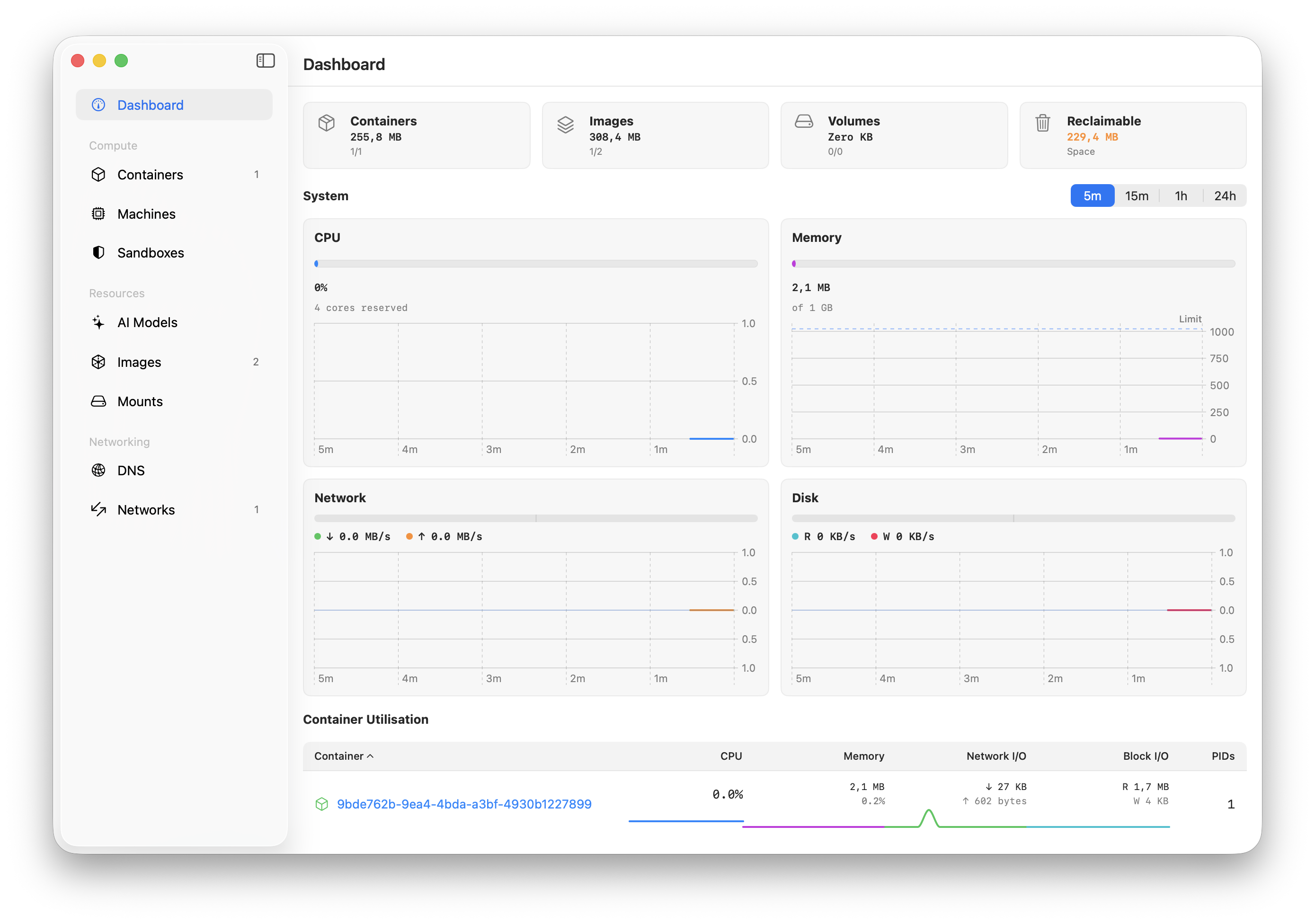
Upong exiting the container, you can now check the images available on your machine:
» container ls -a
ID                                    IMAGE                            OS     ARCH   STATE    IP  CPUS  MEMORY   STARTED
9bde762b-9ea4-4bda-a3bf-4930b1227899  docker.io/library/alpine:latest  linux  arm64  stopped      4     1024 MB  2026-07-17T11:50:10Z
When fetching a new image, we can manage how much CPU cores and RAM the
container is allowed to use using the --cpus and --memory, and we can delete
an image upon stopping it by passing the --rm flag. There’s also a delete
sucommand to delete one or more existing containers.
I don’t have any application in mind at this time, but I can imagine how useful
such containers might be to test and/or debug web apps or statistical APIs. I
often have to deploy websites on lab servers and I’m using Nginx to orchestrate
everything. I’ve made a mistake more than once when setting default routing
parameters, so I guess I may first try to setup a proper nginx.conf on my
machine before deploying everything live.
To learn more about the capabilities of Apple’s containers, check out this tutorial (in French): Apple Container : bien débuter avec les conteneurs macOS.
♪ Marta Zlakowska • When It’s Going Wrong